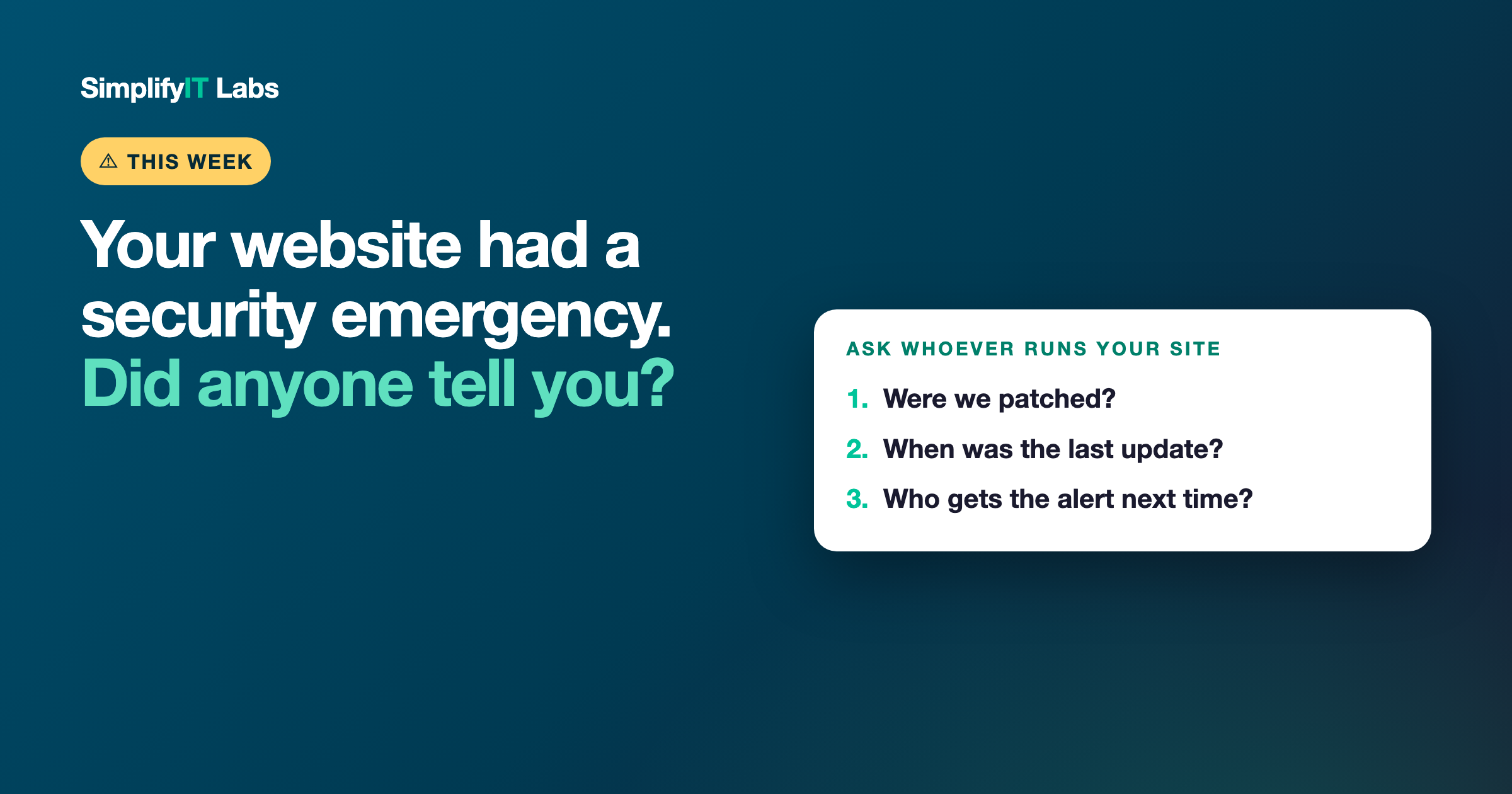
Short answer: this week, two serious security flaws were found in PHP, the programming language that runs a huge share of business websites, including every WordPress site. Details leaked before the fix was ready, and attackers started using them right away. A patch came out on October 21, 2026. If you don't know whether your website was patched, ask whoever runs it three questions: were we patched, when was our last update, and who gets the alert next time?
Most business owners will never hear about this. That's kind of the point of this post.
What happened, in plain English
PHP is the behind-the-scenes language a lot of websites are built on. You don't see it, but if your site runs on WordPress, or was custom built by most web developers, it's almost certainly running on PHP.
On October 20, the people who maintain PHP warned that two critical problems had been found and a fix was coming the next day. Before that fix was out, the details leaked, and security companies started seeing real attacks on the morning of October 21. The flaws let an attacker take over a website's server just by sending it a specially built request. No password needed.
The fix was released the same day. But a fix only protects you once someone actually installs it on the server your website lives on.
Why this matters even if your site is "just a brochure"
It's easy to think, "Nobody's going to hack my little contractor website." But these attacks aren't personal. They're automated. Bots scan the whole internet looking for any server that hasn't been patched yet, big or small.
If yours gets taken over, the damage is usually one of these:
- Your site starts sending visitors to spam or scam pages
- Google flags it as unsafe, and your rankings drop
- It gets used to send spam email, which can get your business email blocked
- It simply goes down, right when customers are trying to find you
None of that shows up as a warning to you. You usually find out when a customer mentions it, or when the phone stops ringing.
The real question: who's watching your website?
This is the part most owners never think about. A website isn't something you build once and forget. The software underneath it needs updates, and every so often an update like this one is urgent.
Here's what happened on my end: when the fix came out, I installed it on the server that runs every one of my clients' websites that same day, checked that every site was still up, and looked for any sign someone had gotten in. My clients didn't have to do anything, or even know it happened. That's what "managed" should mean.
If you set your site up years ago, or a friend built it, or you're paying for hosting but nobody's actually looking after it, there's a real chance no one did any of that this week.
3 questions to ask whoever runs your website
1. "Were we patched for this week's PHP security issue?" A good web person or host will know exactly what you mean and give you a straight yes, with a date. If they don't know what you're talking about, that tells you something.
2. "When was our website last updated?" That means the software underneath it, plus any plugins if you're on WordPress. If the answer is "a while ago" or "I'm not sure," that's the bigger problem, because this won't be the last urgent update.
3. "Who gets the alert next time?" Someone should be watching for these and acting on them without waiting for you to ask. If the honest answer is "nobody," you've found the gap.
If you're on WordPress
WordPress itself isn't the bad guy here. Plenty of WordPress sites are well looked after. But WordPress sites tend to have more moving parts (the theme, plugins, the hosting), and each one needs to be kept up to date. If you're on a big hosting company's plan, they usually patch the server for you. Your plugins are still on you, or on whoever manages your site.
If you're not sure what you're on, or who's responsible for what, that's worth finding out this week. Here's more on why "set it and forget it" websites cost you later and how to make sure you actually own your website.
Common questions
How do I know if my website uses PHP? If it's built on WordPress, it does. Many custom-built sites do too. Website builders like Squarespace and Wix handle their own servers, so the builder company is responsible for patching those.
Do I need to do anything myself? Usually not with your own hands. You need to make sure the person or company that runs your website or hosting has applied the update. Ask them directly.
What happens if my site was never patched? It stays exposed to automated attacks until it is. The fix is to get it updated as soon as possible, then check that nothing was changed on the site.
How often do websites need security updates? Small updates come out all the time. Urgent ones like this happen a few times a year. The important thing is that someone is watching for them and acts quickly.
Not sure who's looking after your site? I'll take a look at your website and tell you, in plain English, what it's running on, whether it looks up to date, and what I'd fix. Get your free audit. No cost, no pressure. I'm local, right here in Peabody.