At some point most business owners look at their website and think, this needs to change. The harder question is what kind of change. Do you freshen up what you have, or tear it down and start over? People use "redesign" and "rebuild" as if they mean the same thing, but they do not, and picking the wrong one wastes real money. A redesign of a fundamentally broken site is money poured into a cracked foundation. A rebuild of a site that only needed a facelift is overkill.
Here is a straight framework for telling which one you actually need.
What the two words really mean
A redesign changes how the site looks and how it is organized, while keeping the underlying structure and technology mostly intact. New layout, new colors, better navigation, clearer calls to action, on top of the foundation you already have. Think renovation: same house, updated inside.
A rebuild replaces the foundation itself, the code, the platform, the structure, usually with a fresh design on top. Think new construction on the same lot. It is more work and more cost, but it fixes things a redesign never can reach.
When a redesign is the right call
Lean toward a redesign when the bones are good and the problem is really about appearance, clarity, or conversion. Signs it is a redesign job:
- The site is reasonably fast and works fine on phones, it just looks dated.
- It is built on a solid, current platform that you or your provider can still work with easily.
- Visitors arrive but do not take action, which points to design and messaging rather than the foundation.
- You can make changes without a fight; the structure is sound, the styling is tired.
In these cases, a rebuild would be spending big to replace parts that are working fine.
When you need a rebuild
Lean toward a rebuild when the problems are structural, because no amount of new paint fixes a cracked foundation. Signs it is a rebuild job:
- The site is slow no matter what you do, and the slowness is baked into how it was built.
- It is not genuinely mobile friendly and cannot be made so without major surgery.
- It runs on outdated or insecure technology, or a platform that is no longer supported.
- Every small change is a battle, which usually means you are fighting the underlying structure.
- You do not really own or control it, so you are boxed in regardless of how it looks.
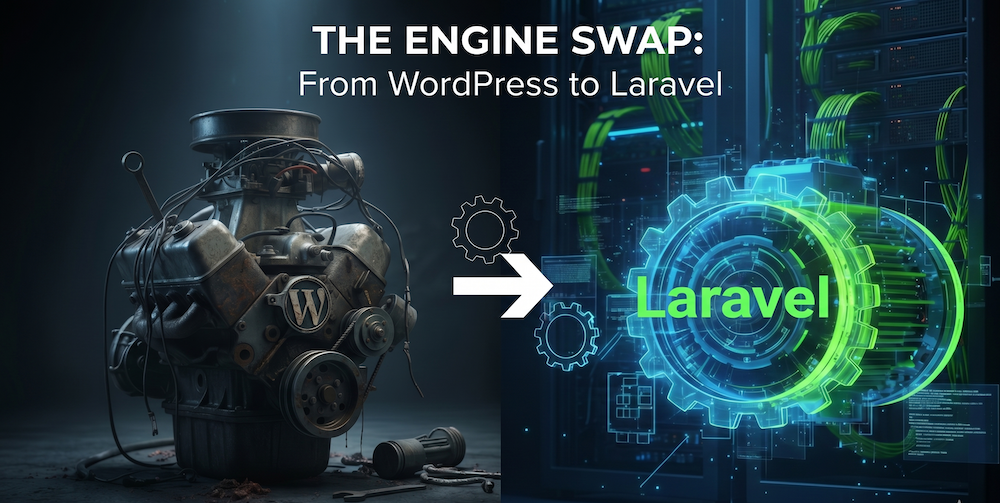
Redesigning a broken website is like repainting a car with a seized engine. It will look better in the driveway and still will not get you anywhere.
The question that usually settles it
When it is genuinely unclear, ask this: is the foundation sound? If the technology, speed, and structure are solid and the issue is how it looks and converts, redesign. If the foundation itself is the problem, slow, insecure, unmaintainable, or outdated, rebuild, because everything you layer on top will inherit those flaws. A beautiful design on a broken foundation is still a broken website.
This is the same reasoning behind modernizing an aging site rather than endlessly patching it. Sometimes the honest answer is that the thing holding you back is the foundation, and the kindest move is to replace it once and maintain it well from there.
Not sure which you need
If you are staring at your site unable to tell whether it needs a facelift or a fresh start, that uncertainty is common and worth resolving before you spend a dollar. Our piece on why your website isn't getting leads is a useful companion read for diagnosing what is really wrong.
And if you would rather just get a straight answer, book a call. We will look at your site with you, tell you honestly whether it is a redesign or a rebuild, and never push you toward the more expensive option for its own sake. We serve small businesses across the North Shore, and we would rather give you the real answer than the big one.