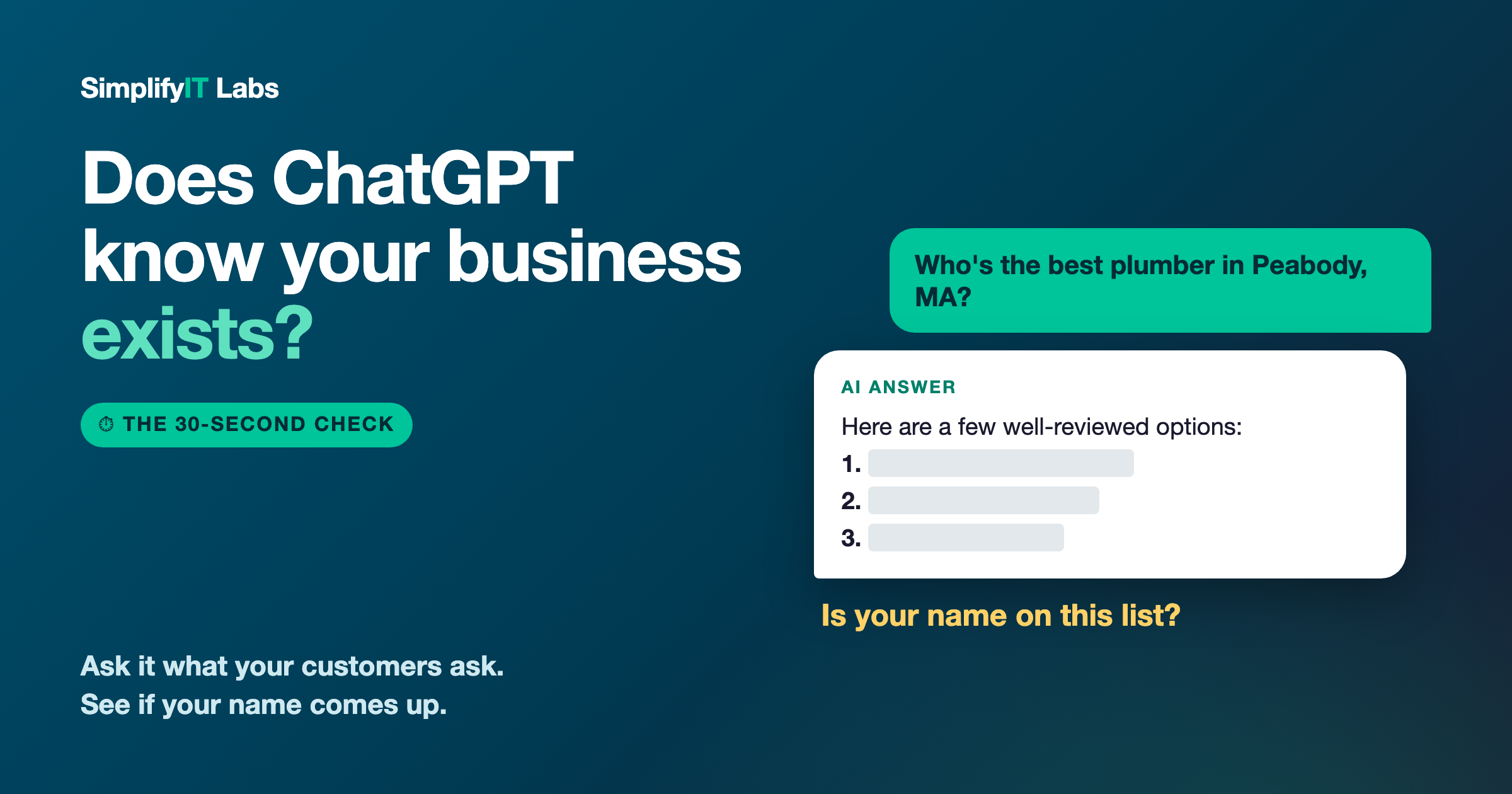
Short answer: open ChatGPT and type "Who's the best [what you do] in [your town], MA?" If your business isn't in the answer, AI doesn't know enough about you yet to recommend you. The fix is usually three things: a complete Google profile, reviews that say what you did and where, and the same business info everywhere online, backed by a real website.
Something has changed in how people find a local business. A lot of them don't scroll through Google anymore. They ask ChatGPT, Gemini, or Google's AI answer at the top of the page: "Who's a good plumber near me?" or "Who can take down a big tree in Peabody?"
The AI answers with a short list of names. Three, maybe five. There's no page two. So the question every owner should be asking is simple: when someone asks AI about your kind of business in your town, does your name come up?
You can find out in about 30 seconds. Here's how.
The 30-second test
You don't need an account or any tools. Just do this:
- Open ChatGPT (chatgpt.com works without logging in) and type: "Who are the best [your trade] in [your town], MA?" For example: "Who are the best HVAC companies in North Reading, MA?"
- Ask it about you directly: "What do you know about [your business name] in [your town]?" This tells you whether it knows you exist and whether it has your details right.
- Try the same question on Google and look at the AI answer at the top, and on Gemini if you have it.
Ask it the way a customer would, in plain words. Try it once from your phone too. And don't panic over a single answer. AI answers shift a bit each time, so what you're looking for is the pattern.
What your results mean
You're named. Great. Now check the details it gave. Is the phone number right? The hours? The services? If AI has old or wrong info, customers will too.
Your competitors are named, but you're not. This is the most common result I see, and it's not about who does better work. It means the other businesses have given AI more to go on. The good news is that this is fixable, and usually not expensive.
AI knows you, but gets things wrong. Wrong phone number, an old address, a business name you stopped using. That almost always means your info doesn't match across the internet. More on that below.
AI has never heard of you. Usually this means there's very little about your business online outside of a Facebook or Instagram page. AI can't recommend what it can't find.
Where AI gets its answers
AI tools don't make up their recommendations. For local businesses, they lean on the same places a careful customer would check:
- Your Google Business Profile (your listing on Google Maps). Your category, services, hours, photos, and reviews.
- Your reviews, on Google and on sites like Yelp, Angi, and the BBB. Not just the star rating, but what people actually say.
- Directories and listings across the web, including Bing, which feeds a lot of what ChatGPT sees when it searches.
- Your website, if you have one. This is where AI confirms what you do, where you do it, and how to reach you.
When all of those agree and there's plenty of detail, AI feels confident naming you. When they're thin or they disagree, it plays it safe and names someone else.
The 3 fixes that get you mentioned
1. Finish your Google Business Profile (and claim Bing too)
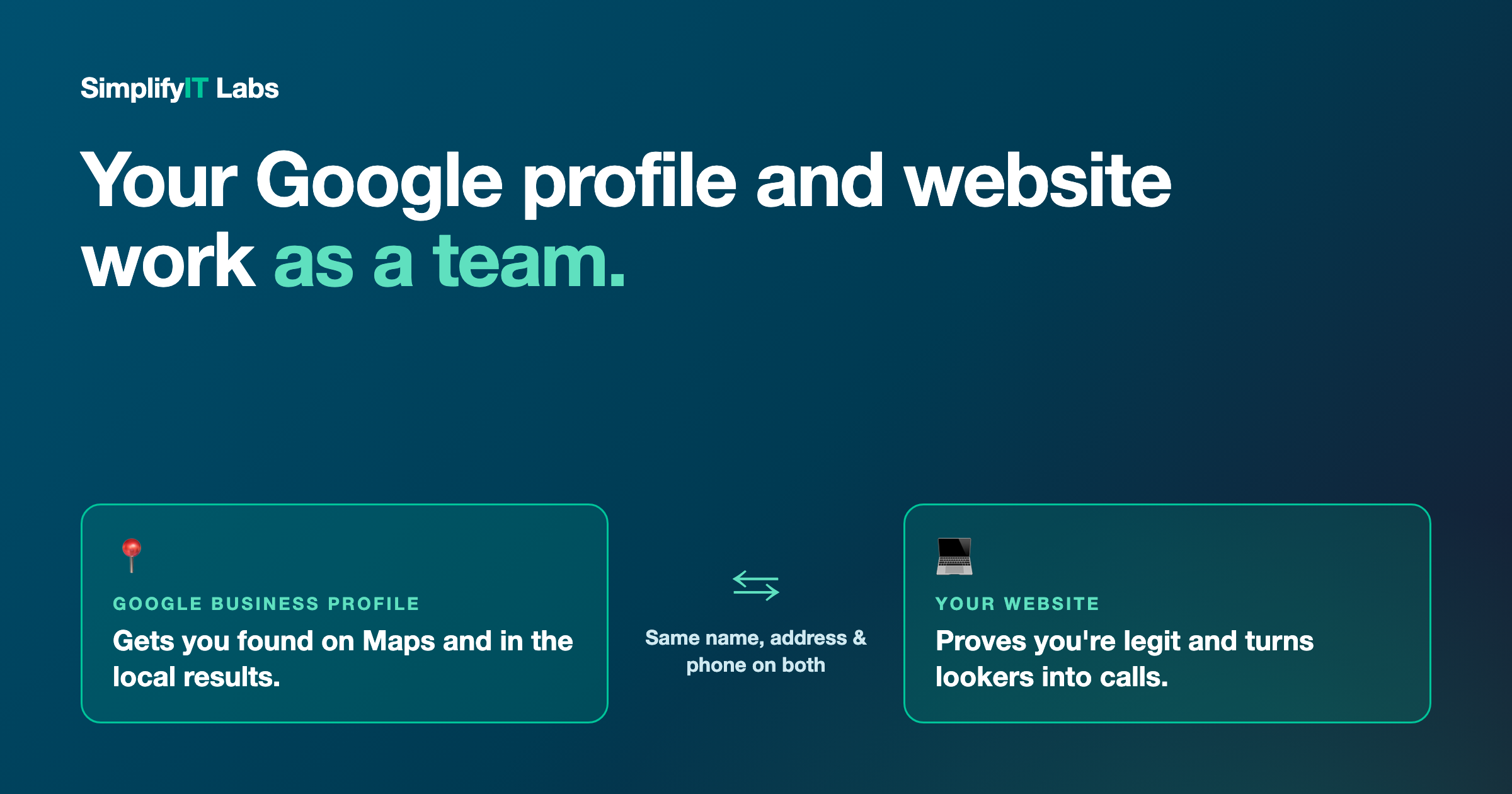
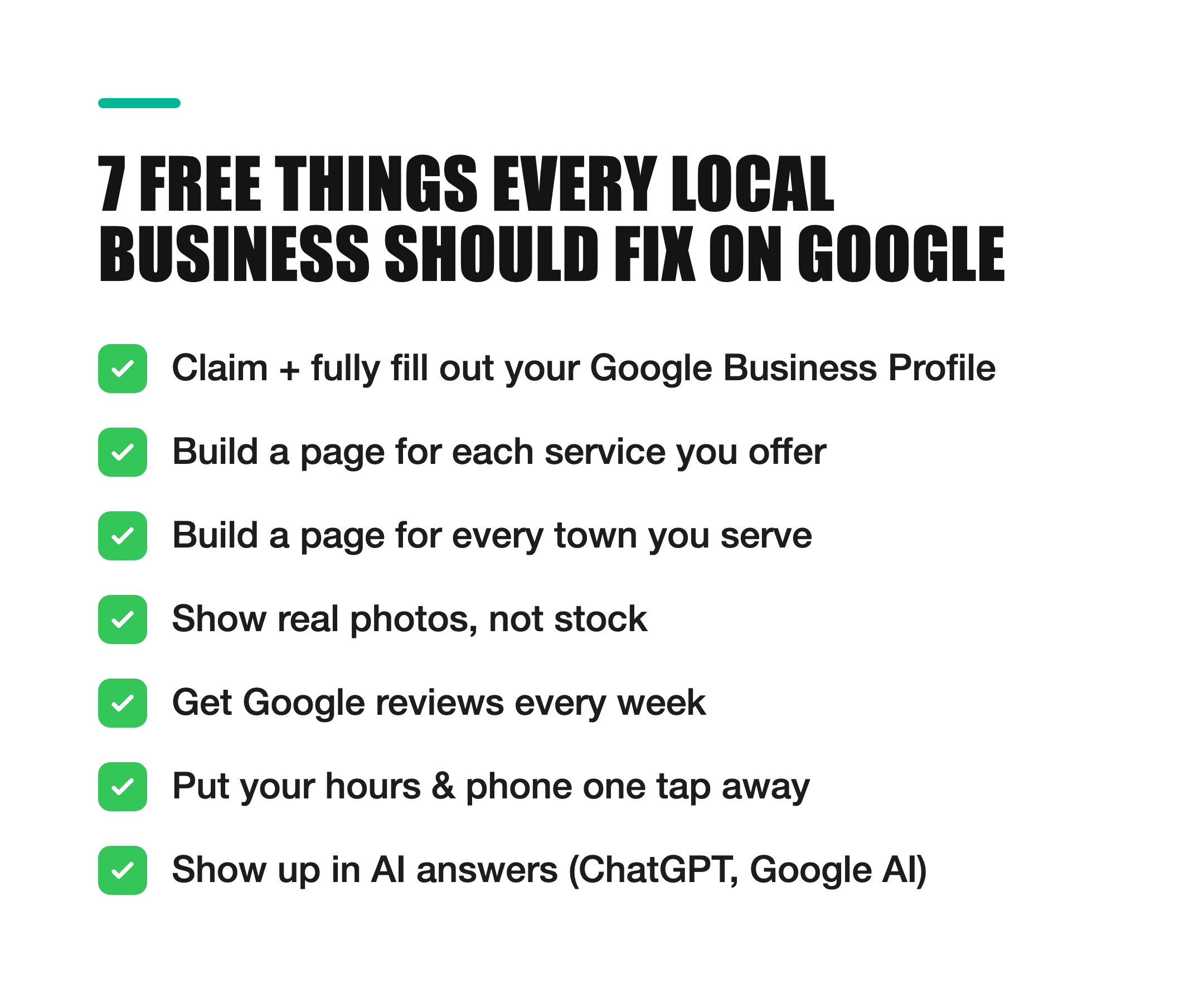
Pick the right main category. Add every service you offer, your service area, real photos of your work, and accurate hours. Post an update at least twice a month so it looks active. Then claim your free listing on Bing Places. Almost nobody does this, and it's one of the places ChatGPT looks. If you haven't looked at your Google profile in a while, here's how it works with your website.
2. Get reviews that say what you did, and where
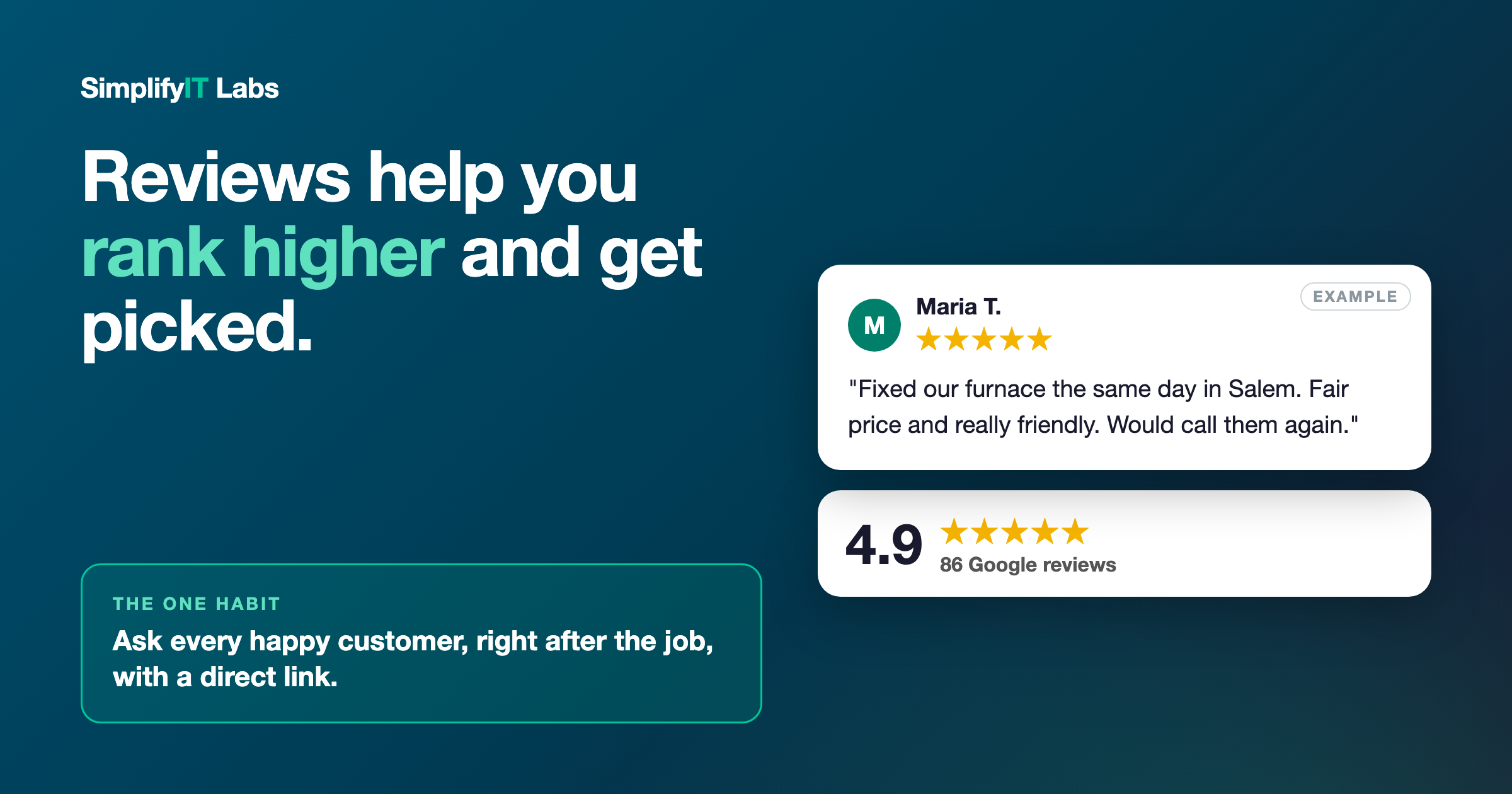
A review that just says "Great job!" helps your star rating. A review that says "They took down a huge oak next to our house in Peabody and cleaned up everything" helps AI understand exactly what you do and where you do it. When you ask a happy customer for a review, ask them to mention the job and the town. Recent reviews count more than old ones, so keep asking. Here's an easy way to ask for them.
3. Make your info match everywhere, and back it up with a website
Your business name, address, and phone number should be exactly the same on Google, Facebook, Yelp, your truck, your flyers, and your website. If one place says "Mike's Plumbing," another says "Mike's Plumbing & Heating LLC," and a third has your old cell number, AI isn't sure they're the same business, so it recommends someone it's sure about.
Then give AI one place that spells it all out: a real website that says plainly what you do, the towns you serve, and how to reach you. A Facebook page alone usually isn't enough. It's the one piece of your online presence you actually own, and it's where AI goes to confirm the details.
The honest part
Nobody can guarantee you'll show up in an AI answer, and anyone who promises that is guessing. These tools change, and answers vary depending on how the question is asked. What you can do is give AI clear, consistent, trustworthy information about your business, so you're an easy pick. The good news: it's the same work that helps you on Google Maps and with real customers. Nothing here is wasted.
If you want to see what this looked like for a real local business that went from invisible to recommended, read How to Get Your Business Recommended by AI. For the full list of what to check, grab the online presence checklist.
Frequently asked questions
Is my business on ChatGPT? The quickest way to find out is to ask it: "Who are the best [your trade] in [your town]?" and "What do you know about [your business name]?" If you don't show up, or the details are wrong, AI doesn't have enough good information about you yet.
How do I get my business on ChatGPT? You can't sign up or pay to be listed. ChatGPT pulls from what's already online, so you get on it by completing your Google Business Profile, claiming Bing Places, getting detailed reviews, keeping your name, address, and phone the same everywhere, and having a clear website.
Does ChatGPT recommend local businesses? Yes. When someone asks for a local service, ChatGPT will often name specific businesses, based on listings, reviews, and websites it finds online.
How long does it take to start showing up? It varies. Fixing your listings and info can start helping within a few weeks, while reviews and a new website build up over a few months. Test again once a month.
Do I need a website if I have Facebook? It helps a lot. Facebook is fine for updates, but a website is where AI and Google confirm what you do and where. It's also the one piece of your online presence you actually own.
Want me to run the test for you? I'll check ChatGPT, Gemini, and Google for your business and your top competitors, and send you a plain-English list of what's missing. Get your free audit. No cost, no pressure. I'm local, right here in Peabody.