Quick version: local service businesses waste hundreds of dollars a month on Facebook ads that show up in feeds of people who live 500 to 1,000 miles away and can never hire them. A few default Meta settings cause this, and you can check your own ad in about two minutes.
The problem
In one recent week scrolling Facebook feeds on the North Shore of Massachusetts, I saw local-looking ads from an HVAC company in Missouri, a plumber in Virginia, a landscaper in Texas, and a roofer in Connecticut. None of them were targeting New England. Their ads were bleeding into unrelated feeds because of how Meta's default location targeting works.
If you're running a Facebook ad for a local business, there's a good chance some percentage of your impressions are going to people who are nowhere near you. You're paying for those clicks the same way you pay for the local ones.
Why it happens
Three things cause this, and they can work in combination:
1. "People recently in this location" instead of "People living in this location"
Meta defaults to "People living in or recently in" your target area. That sounds fine until you realize it includes tourists, people passing through, and anyone who briefly connected to a cell tower in your area. For a service business, you want the "living in" option specifically.
2. A radius that's too wide
Meta used to default to a 25-mile radius. That covers a lot of towns you may not serve. A plumber in Beverly shouldn't be advertising to people in Worcester. Check what radius is set on your campaign.
3. Advantage+ Audience (audience expansion)
Meta has a setting called Advantage+ Audience that lets the algorithm expand your audience beyond your defined targeting when it thinks it will get better results. What that means in practice is that Meta may show your ad to people outside your geographic targeting if it predicts a higher click rate. For a local service business, that is almost always the wrong move.
How to check your own ad in 2 minutes
Log in to Meta Ads Manager and open the campaign you're running.
- Go to the Ad Set level (not the campaign, not the ad). Click on your ad set name.
- Look for the Audience section. You should see your location settings. Check whether it says "living in or recently in" or just "living in." If you see the former, edit it to the latter.
- Check your radius. If you're targeting a city, see what mile radius is set. For most trades, 10 to 15 miles from your base is plenty. Wider than 25 and you're likely paying for people you can't serve.
- Look for Advantage+ Audience or "Expand audience" toggles and turn them off.
- Then check your Breakdown report. Go to Ads Manager, click the campaign, click Breakdown (upper right), then choose "By Delivery" and then "Country" or "Region." This shows you where your impressions actually went. If you see states or regions you don't serve, your targeting is leaking.
The fix
Once you're in the Ad Set editor:
- Change location type to "People living in this location"
- Set a radius that covers the towns you actually serve (not the whole metro area)
- Turn off Advantage+ Audience expansion
- Save and let it run for a week, then pull the Breakdown report again to confirm
If you're running ads in multiple towns, you can add each town individually instead of using a radius. That's more precise but takes more setup.
One more thing
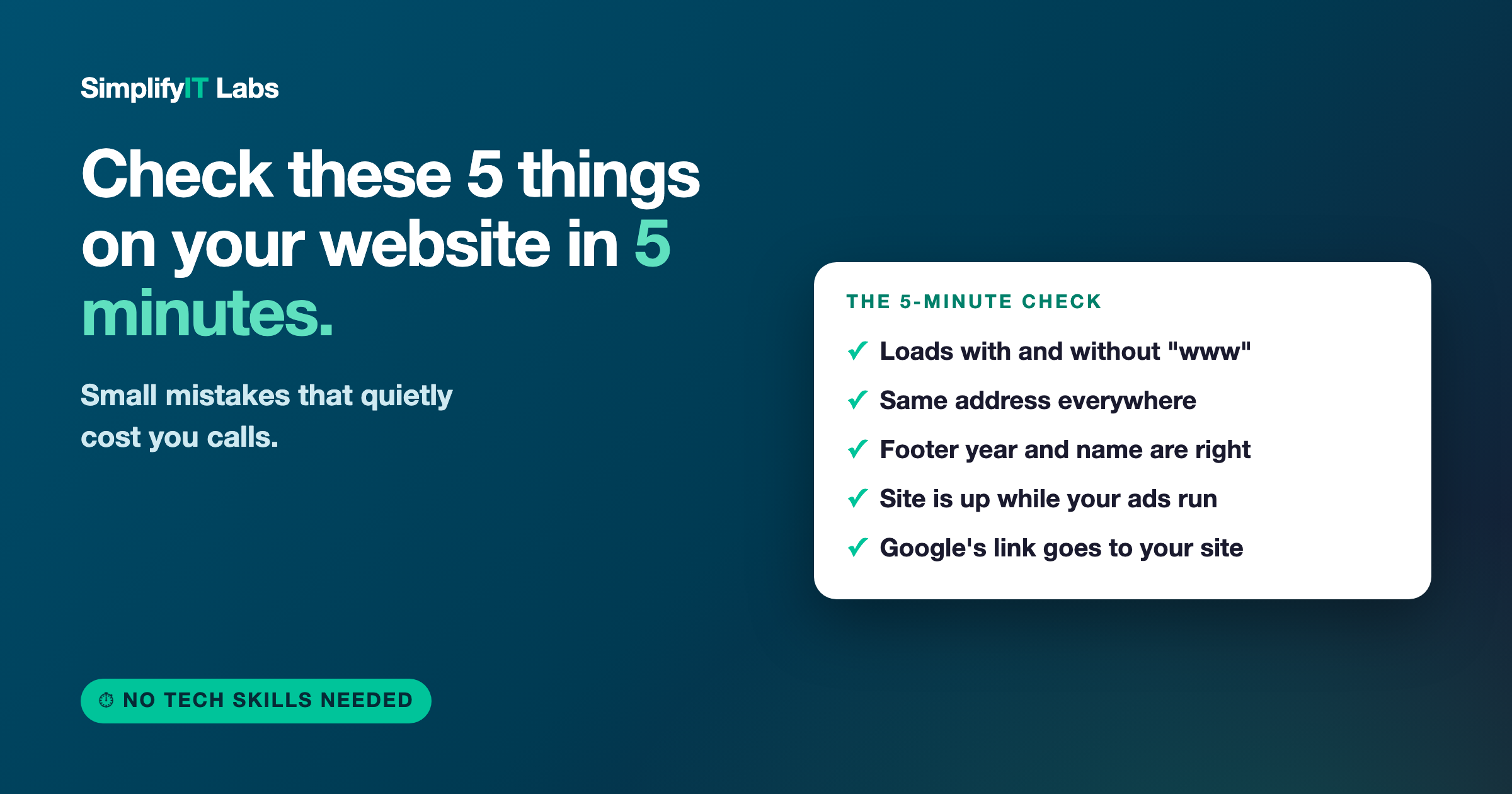
Even with perfect targeting, a Facebook ad sends people to your website. If your site doesn't clearly tell a local homeowner what you do, where you work, and how to call you in the first few seconds, you lose the click anyway. Fixing the ad targeting is step one. Step two is making sure the site they land on is doing its job.
If you want someone to look at both, reach out here. I do a free review.