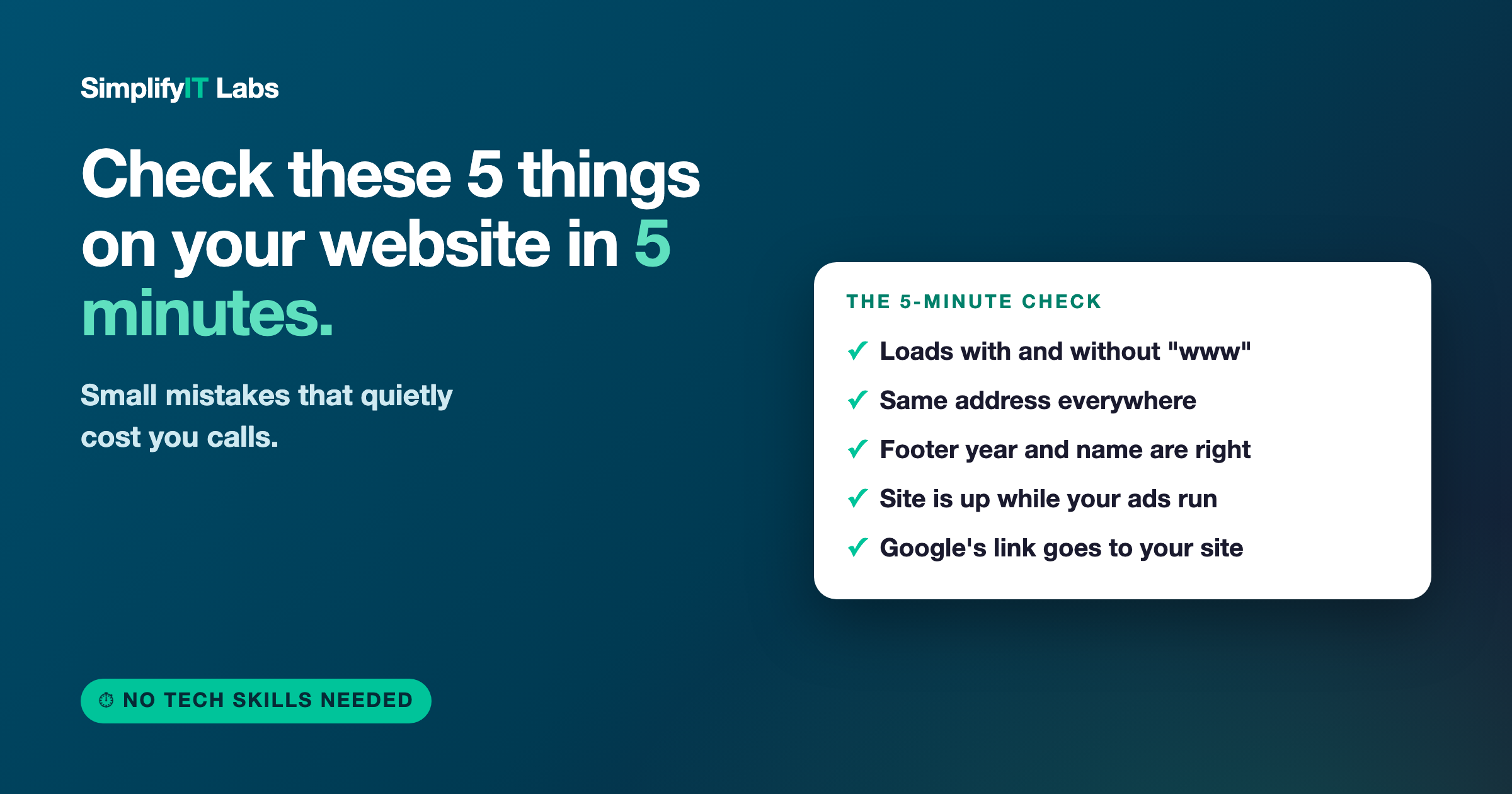
Short answer: open your website on your phone and check five things. Does it load with and without the "www"? Is your address the same on Google, Facebook, and your site? Is the year and your business name right in the footer? Is the site actually up while your ads are running? And does the website button on your Google listing go to your real site? Each one takes about a minute, and each one can quietly cost you calls.
I look at a lot of local business websites. In just the last few days I found every one of these problems on real businesses with good reviews and paid ads running. None of the owners knew. That's the thing about these mistakes: you never see them, because you never visit your own site the way a new customer does.
So here's a quick checkup you can do yourself, no tech skills needed. Grab your phone.
1. Type your website without the "www"
Open a browser and type your web address without the "www" in front, like yourbusiness.com. Then try it with the "www". Both should land on the same working page.
This sounds small, but it isn't. I recently found a contractor whose site looked great with the "www" and just spun forever without it. Anyone who typed the short version, or clicked a link that used it, got nothing. They assume you're out of business and call the next name on the list.
The fix: ask whoever manages your site or domain to set up a redirect so both versions go to the same place. It's usually a five-minute job for them.
2. Check that your address matches everywhere
Look up your business on Google, then on your Facebook page, then on your own website. Is the name, address, and phone number exactly the same on all three?
Google uses those details to decide whether all those listings are really the same business, and how much to trust them. When they don't match, it's harder for Google to be confident about you, and that can hold your local ranking back. I've seen a street called "Circle" on Google and "Drive" on the website, and a Facebook page with a zip code from a different state.
The fix: pick one exact version of your name, address, and phone, and make every listing match it. If you work out of your home and don't show your address, at least make sure the business name and phone number match. Here's more on how your Google profile and website work together.
3. Read your footer
Scroll to the very bottom of your homepage. Check two things: the copyright year, and how your business name is spelled.
An old year makes a site look abandoned, and people notice. A typo in your own business name is worse. I recently saw a site where the footer had an exclamation point where a letter should have been, so the company's name was spelled wrong at the bottom of every page. It's a tiny thing, but customers checking you out before a big job are looking for reasons to trust you, or not.
The fix: update the year (it can be set to update itself automatically) and fix any typos. While you're down there, make sure your phone number in the footer is right and tappable on a phone.
4. Make sure your site is up while your ads are running
If you run Facebook or Google ads, click through to your site from your phone the same way a customer would. Does it load? Does it load fast?
This one hurts the most, because you're paying for it. This week I found two businesses running ads while their website was down. Every person who clicked, or who saw the ad and looked them up, hit a dead page. That's money spent to send people nowhere.
The fix: check your site every time you start or change an ad, and sign up for a free uptime monitoring service that emails you if your site goes down. If it's slow, that's costing you too. Here's how fast your website should load.
5. Click the website button on your Google listing
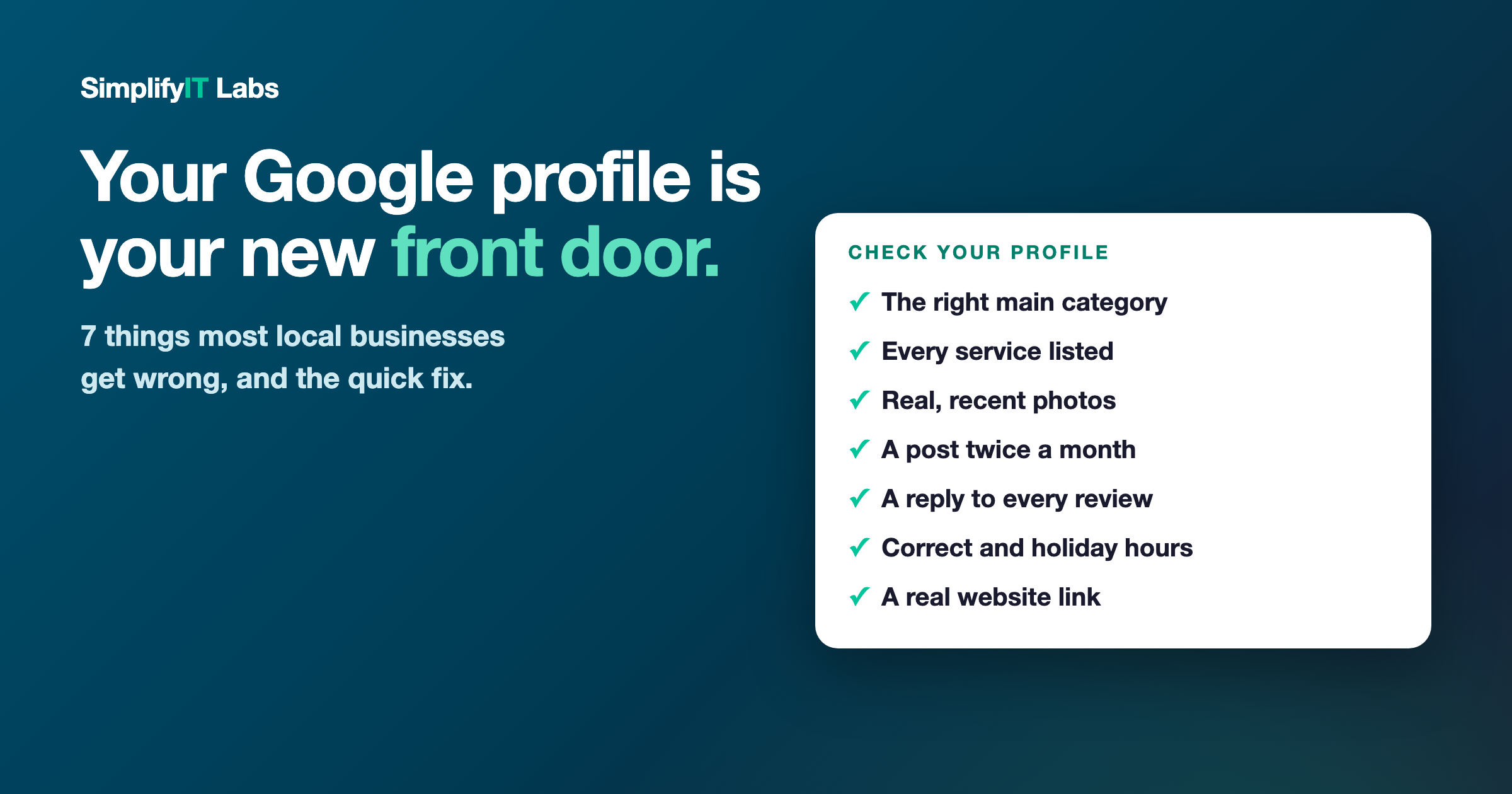
Search your business name on Google, find your Business Profile (the box with your stars, hours, and photos), and tap the "Website" button. Where does it go?
A lot of the time it goes to a Facebook page, an old domain, or nowhere at all. I just saw a shop with well over a hundred five-star reviews whose Google listing sends people straight to Facebook. That listing is earning the click, then handing the customer to a page that can't answer their questions or show up in search on its own.
The fix: point that button to your real website. If you don't have one yet, that's the missing piece. Here's why a Facebook page isn't a replacement for a website.
What to do if you found something
Don't panic. Most of these are quick fixes, and some you can do yourself in a few minutes. The important part is that you found them before more customers did.
If you found two or more, that's usually a sign the site isn't being looked after. That's worth fixing, because these problems tend to come in groups. A site with a broken address and an old footer usually has bigger issues underneath, like pages Google can't figure out or a mobile version that loads slowly.
Common questions
Does it matter if my website works without the "www"? Yes. Some people type the short version and some links use it. If it doesn't load, those visitors think your business is closed. A simple redirect fixes it.
Does my address really have to match exactly on Google and Facebook? It should. Google uses your name, address, and phone number to confirm your listings belong to the same business. Small differences make that harder and can hold back your local ranking.
How do I know if my website goes down? Sign up for a free uptime monitoring service. It checks your site every few minutes and emails you if it stops loading, so you're not finding out from a customer.
What should the website button on my Google Business Profile link to? Your own website's homepage, or the most relevant page if you have one. Avoid linking to Facebook or an old domain.
Want me to check yours? I'll go through your website and Google listing against these five points (and a few more) and send you a plain-English list of what to fix. Get your free audit. No cost, no pressure. I'm local, right here in Peabody.