Short answer: for most local searches, people see your Google Business Profile before they ever see your website. The 7 mistakes I see most often are the wrong main category, missing services, old or no photos, no posts, unanswered reviews, wrong hours, and no website or booking link. Each one takes about 10 minutes to fix.
When someone searches "plumber near me" or "HVAC in Danvers," the first thing they usually see isn't a website. It's the map with three businesses under it. Name, stars, hours, a few photos, a Call button. That listing is the first impression, and if it looks thin or out of date, people move on to the next business before they ever get to your website.
That listing is your Google Business Profile (GBP). It's free, you control it, and for a local business it's become the front door. Your website is where people go next to decide, but they have to get through the door first. The problem is that most owners set it up once, years ago, and haven't touched it since.
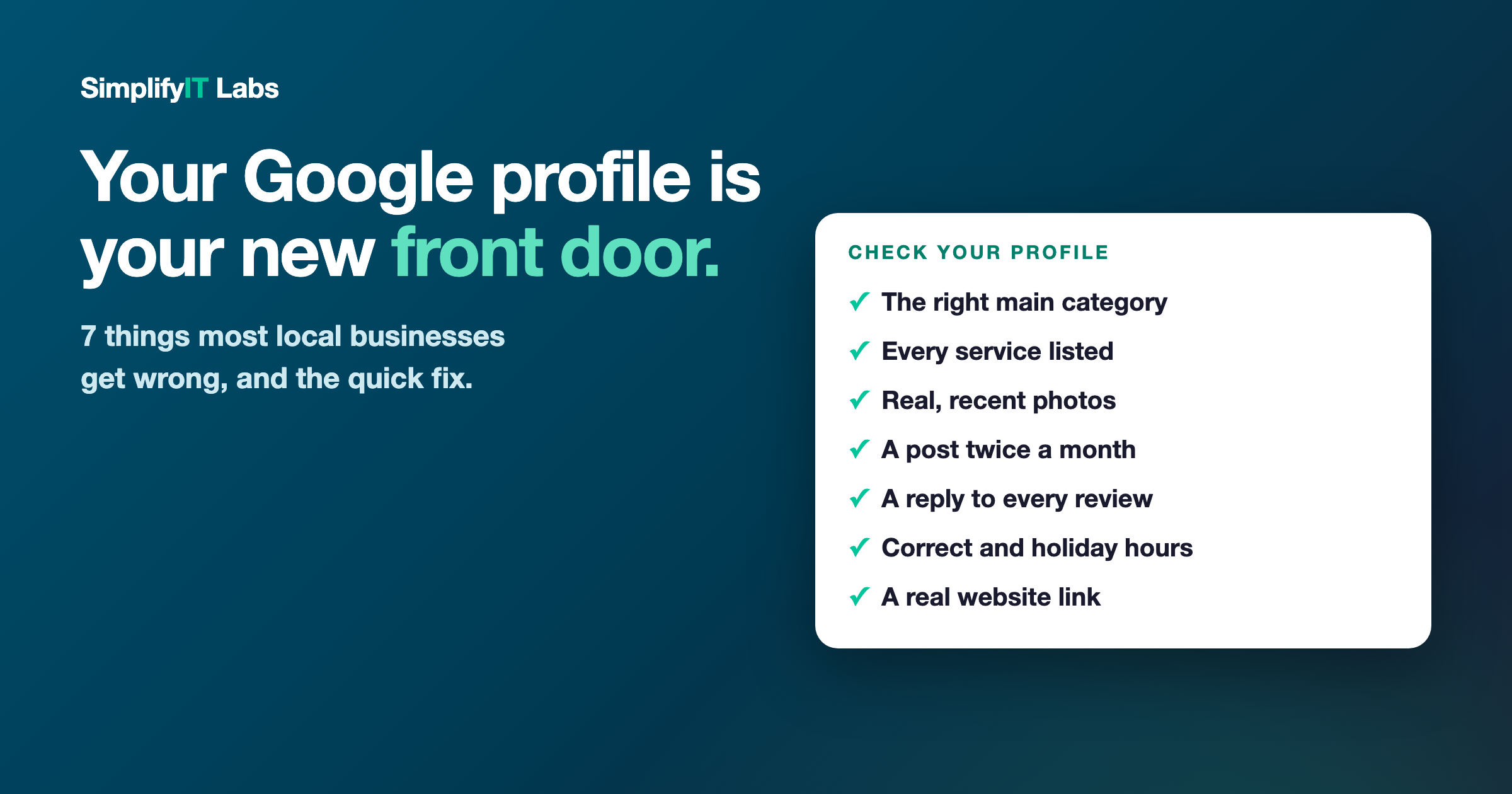
I look at a lot of these, and the same 7 mistakes come up almost every time. Here they are, with the quick fix for each.
1. The wrong main category
Your primary category is one of the biggest things Google uses to decide which searches you show up for. If you're a heating company listed as "Contractor," or an HVAC company listed only as "Plumber," you're telling Google the wrong thing.
The fix: pick the most specific category that matches your main money-maker (for example "HVAC contractor" or "Tree service"), then add 3 to 5 secondary categories for everything else you do. Check what the top 3 businesses in your area use. You'll often spot the difference right away.
2. Services left blank
Google lets you list every service you offer, and most owners skip it. That's a missed chance to show up when someone searches for exactly that job, like "stump grinding" or "heat pump installation."
The fix: go to the Services section and add every service you actually do, with a one-line description in plain words. Use the words your customers use, not industry terms.
3. Old photos, or none at all
Profiles with real, recent photos get more clicks and more calls. Customers want to see your truck, your crew, and your work. A logo and one blurry picture from 2019 tells them nothing, and it tells Google the business might not be active.
The fix: add 5 to 10 real photos now (your team, your vehicles, jobs you're proud of, before and afters), then add a couple more every month. Phone photos are fine. Real beats polished. Skip stock photos.
4. No posts, ever
GBP has a posts feature (Google calls them "updates") that almost nobody uses. Posting regularly shows Google and customers that you're open and busy, and it gives people one more reason to pick you.
The fix: post at least twice a month. Keep it simple: a photo of a recent job and one or two sentences. "Just finished a full furnace replacement in Peabody before the cold hits. Booking tune-ups now." That's it.
5. Reviews with no replies
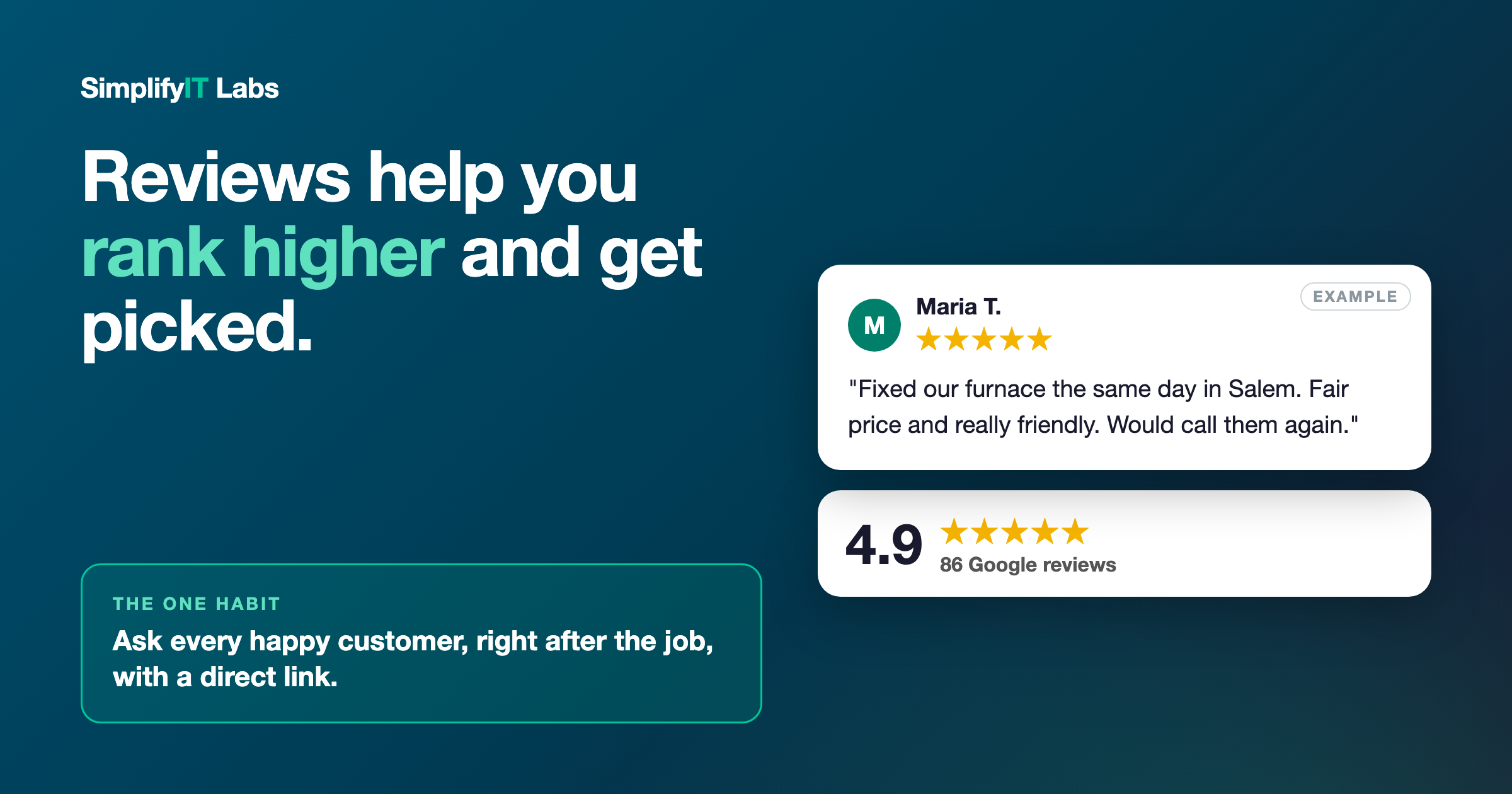
Reviews matter for ranking and for trust, but replies matter too. When every review sits there with no response, it looks like nobody's minding the store. When a bad review has no response, it's all the customer hears.
The fix: reply to every review, good or bad. Thank people by name for the good ones. For the bad ones, stay calm, keep it short, and offer to make it right offline. Future customers are reading how you handle it. If you need more reviews in the first place, here's an easy way to ask.
6. Wrong hours (especially holidays)
Nothing loses a customer faster than showing up, or calling, when Google said you were open and you're not. It's frustrating for them, and it often turns into a bad review.
The fix: double-check your regular hours, and set holiday hours before every holiday. Google will usually remind you. If you offer emergency service, say so in your hours or description. If you're a service business that goes to the customer, you can also hide your home address and list the towns you serve instead.
7. No website or booking link
This one surprises people. I see profiles with great reviews and no website link at all, or a link to a Facebook page, or a link to a domain that doesn't load. Someone who's interested has nowhere to go to learn more, so they go to the next business on the list.
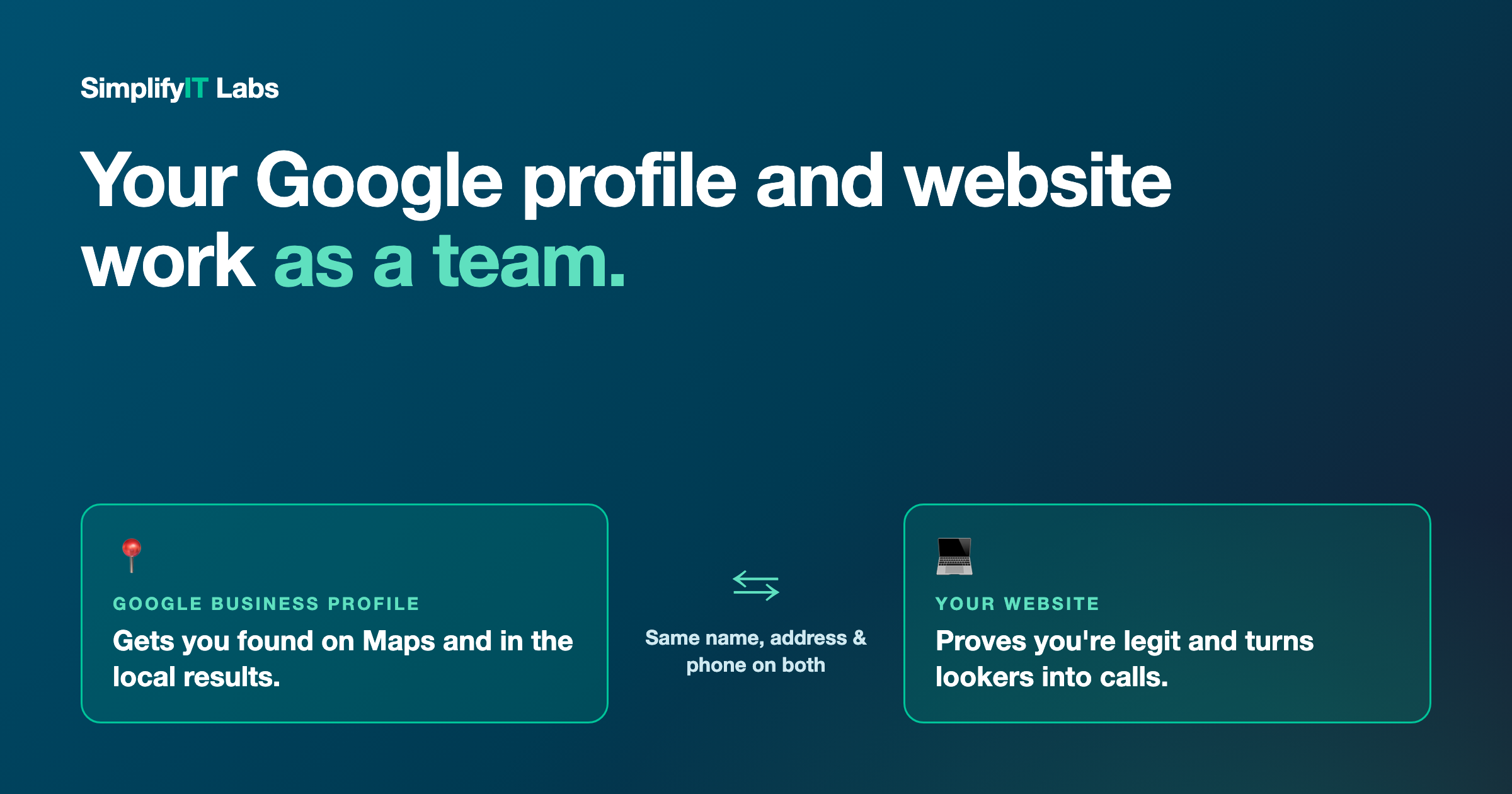
The fix: link to a real website that matches your profile (same business name, address, and phone number). If you take online bookings, add that link too. Your profile gets people interested, and your website is where they decide. Here's how the two work together.
Why this matters more every year
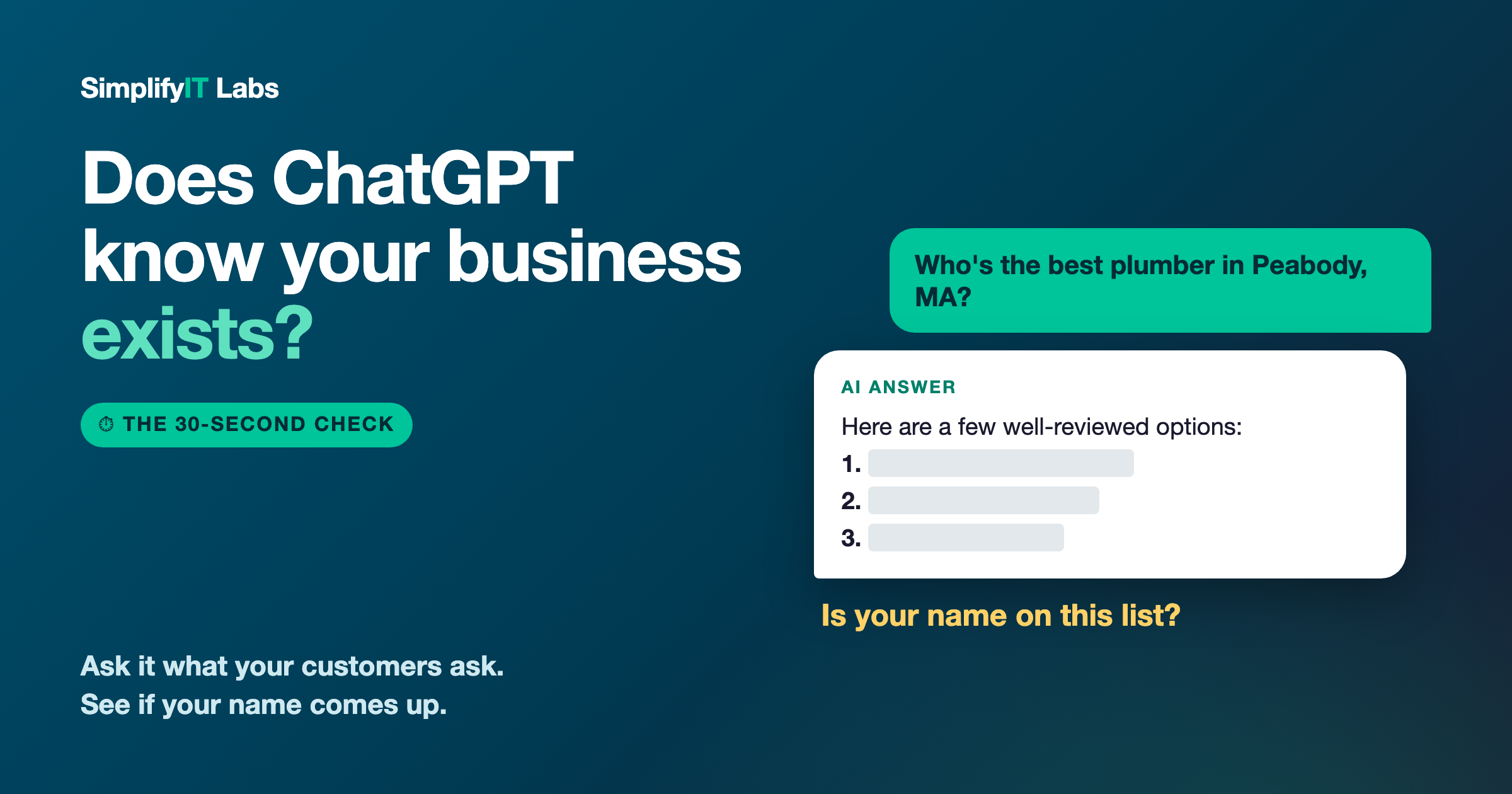
Google's map results are where most local customers start looking, and a strong profile is what gets them to click through to your website and call. And more and more, AI tools like ChatGPT and Google's AI answers lean on the same information when someone asks for a recommendation. A complete, active, accurate profile helps you in both places. (Curious whether AI mentions you? Here's a 30-second check.)
None of these fixes cost anything. They just take a little attention. If you do all 7 and keep it up, you'll be ahead of most of the businesses competing with you for the same searches. For a wider look beyond your Google profile, see 7 free things every local business should fix on Google.
Frequently asked questions
Why isn't my business showing on Google Maps? The most common reasons are a profile that isn't verified, the wrong main category, missing services, or very little activity (no photos, posts, or recent reviews). Distance matters too: Google favors businesses close to the person searching, so fill in your service area.
How do I get on Google Maps? Create a free Google Business Profile at google.com/business, verify it, and fill out every section: category, services, hours, photos, and a link to your website. Verified, complete profiles are the ones that show up.
What's the most important Google Business Profile setting? Your primary category. It has a big effect on which searches you appear in, so pick the most specific one that matches your main service.
How often should I post on my Google Business Profile? At least twice a month. A recent job photo with a sentence or two is plenty.
Should I reply to every Google review? Yes, good and bad. It shows customers you're paying attention, and it's one of the easiest ways to stand out from competitors who never reply.
Want me to check yours? I'll go through your Google Business Profile against these 7 points and send you a plain-English list of what to fix. Get your free audit. No cost, no pressure. I'm local, right here in Peabody.